Proteger tus formularios con Cloudflare Turnstile
Cloudflare Turnstile es una alternativa moderna y centrada en la privacidad a los CAPTCHA. Proporciona detección de bots sin fricción y sin desafíos para el usuario, mejorando tanto la accesibilidad como la seguridad del formulario.
Formspree es compatible con Turnstile de fábrica: solo configura tus claves y habilita el CAPTCHA en la configuración de tu formulario.
Paso 1: Crear un sitio en Turnstile
Empieza visitando el panel de Cloudflare Turnstile.
Haz clic en Add widget para crear un nuevo sitio en Turnstile, luego:
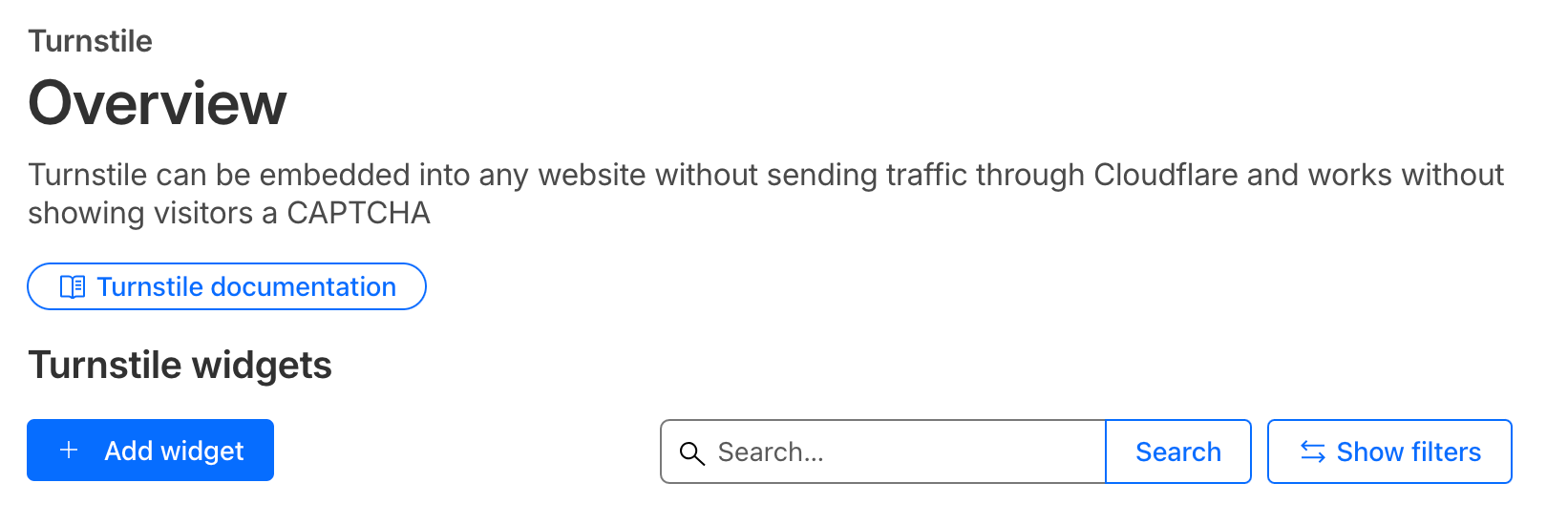
- Ingresa un nombre para tu sitio.
- Agrega tu dominio (por ejemplo,
example.com) en Allowed Domains. Usa localhost para fines de desarrollo. - Elige el modo del widget.
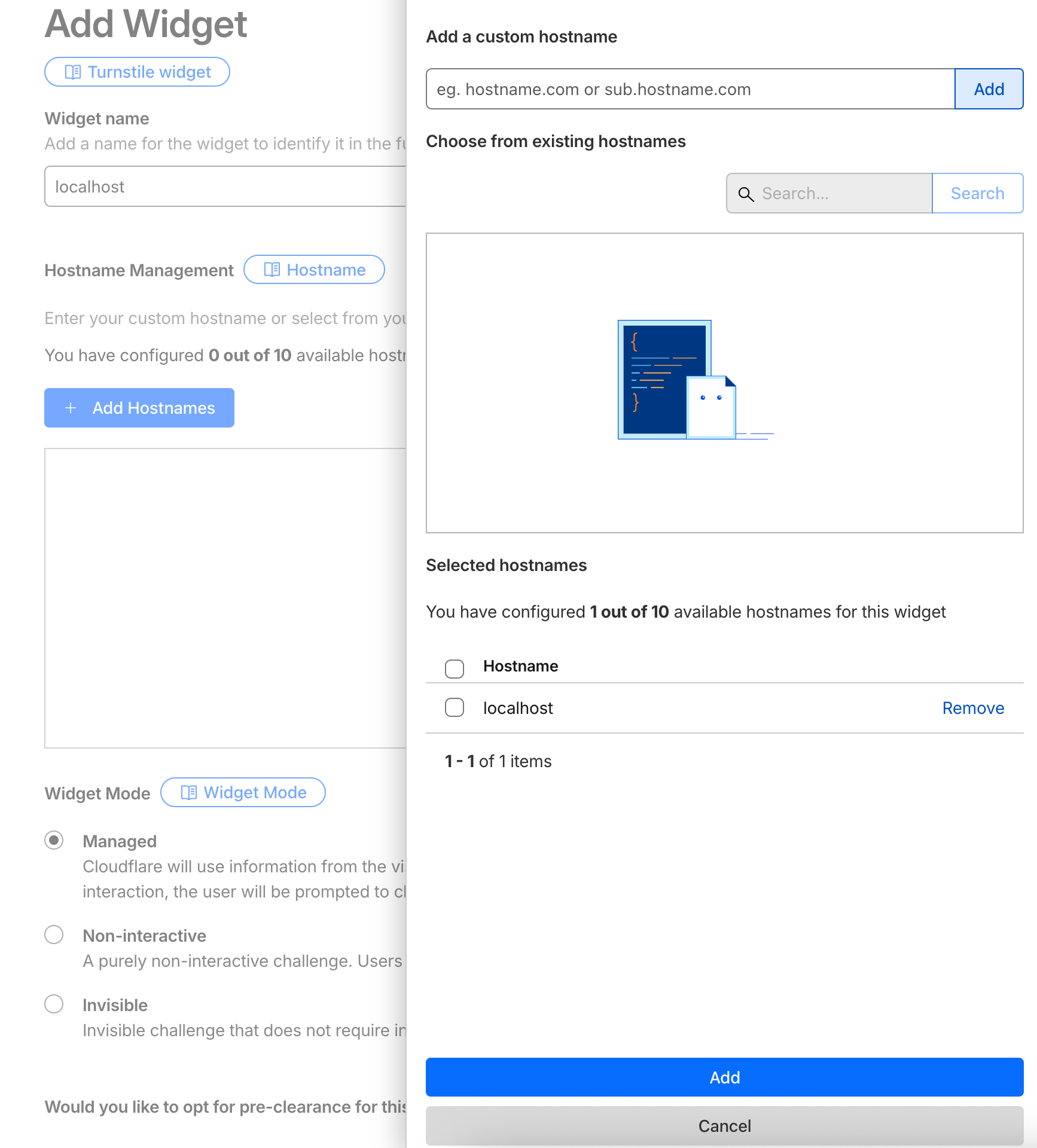
Guarda la configuración. Una vez creado, verás tus nuevas claves del widget.
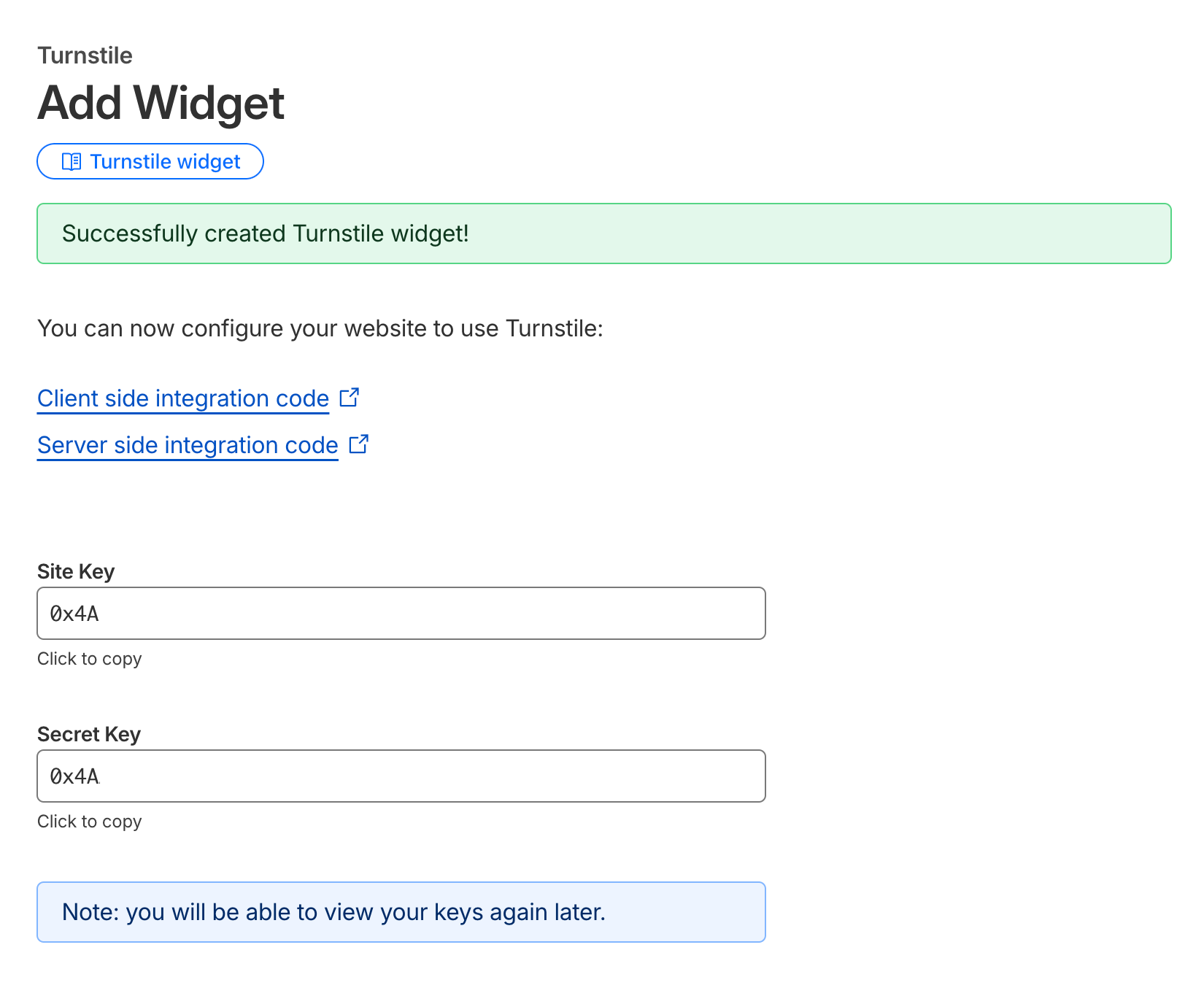
Copia la Site Key y la Secret Key: las usarás en tu formulario HTML y en la configuración de Formspree.
Paso 2: Configurar el CAPTCHA en Formspree
Ve a la página de configuración de tu formulario en el panel de Formspree.
En la sección CAPTCHA, asegúrate de que la protección CAPTCHA esté habilitada.
Haz clic en Adjust settings, selecciona Cloudflare Turnstile y pega tu Secret Key en el campo proporcionado.
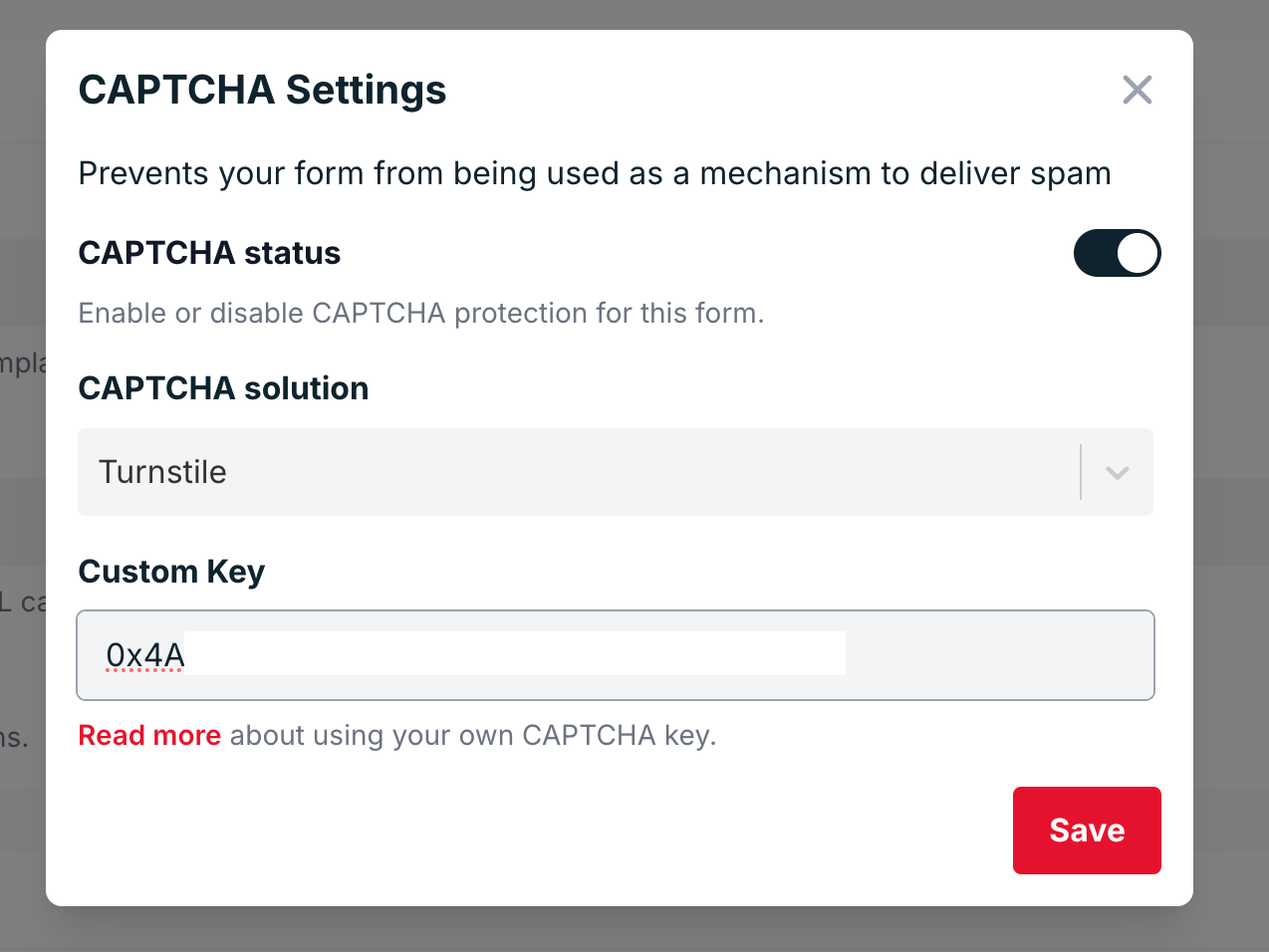
Guarda los cambios.
Paso 3: Agregar Turnstile al HTML de tu formulario
Ahora es momento de agregar Turnstile a tu formulario. Incluye el script de Turnstile y tu Site Key en tu código HTML.
Aquí tienes un ejemplo básico:
<html>
  <head>
    <title>Turnstile Demo</title>
    <script src="https://challenges.cloudflare.com/turnstile/v0/api.js" async defer></script>
  </head>
  <body>
    <form action="https://formspree.io/f/{your-form-id}" method="POST">
      <input type="email" name="email" placeholder="Email" required />
      <div class="cf-turnstile" data-sitekey="{your-site-key}"></div>
      <br />
      <input type="submit" value="Submit" />
    </form>
  </body>
</html>
Cuando un usuario envía el formulario, el widget de Turnstile genera automáticamente un token (cf-turnstile-response) que Formspree verifica usando tu Secret Key.
Usando AJAX (Opcional)
Si estás enviando tu formulario mediante AJAX, puedes incluir el token de Turnstile manualmente en tu solicitud.
A continuación se muestra un ejemplo usando Vanilla JS:
<!DOCTYPE html>
<html>
  <head>
    <title>Turnstile AJAX Demo</title>
    <!-- Turnstile script -->
    <script src="https://challenges.cloudflare.com/turnstile/v0/api.js" async defer></script>
  </head>
  <body>
    <form id="form" method="POST" action="https://formspree.io/f/<form-hashid>">
      <input type="email" name="email" placeholder="email@example.com" required />

      <!-- Turnstile widget (automatically adds hidden cf-turnstile-response input) -->
      <div class="cf-turnstile" data-sitekey="{site-key}"></div>

      <br />
      <button type="submit">Submit</button>
    </form>

    <script>
      const form = document.getElementById("form");

      form.addEventListener("submit", function (event) {
        event.preventDefault();

        // Grab all form fields, including the hidden cf-turnstile-response
        const data = new FormData(form);

        fetch(form.action, {
          method: form.method,
          body: data,
          headers: {
            "Accept": "application/json"
          }
        })
          .then(function (response) {
            return response.json();
          })
          .then(function (data) {
            console.log("Formspree response:", data);
          })
          .catch(function (error) {
            console.error("Error:", error);
          });
      });
    </script>
  </body>
</html>
O usando la API de Turnstile
<!DOCTYPE html>
<html lang="en">
<head>
  <meta charset="UTF-8" />
  <script
    src="https://challenges.cloudflare.com/turnstile/v0/api.js?render=explicit"
    defer
  ></script>
</head>
<body>
  <form id="contact-form">
    <input type="email" name="email" placeholder="Email" required />
    <div id="turnstile-container"></div>
    <button type="submit">Send</button>
  </form>

  <script>
    let widgetId = null;

    // Render widget when the page finishes loading
    window.onload = function () {
      if (!window.turnstile) {
        console.error("Turnstile did not load.");
        return;
      }

      widgetId = window.turnstile.render("#turnstile-container", {
        sitekey: "{your-site-key}",
        callback: function (token) {
          console.log("Turnstile success:", token);
        }
      });
    };

    // AJAX submit
    document.getElementById("contact-form").addEventListener("submit", function (event) {
      event.preventDefault();
      const form = this;
      const formData = new FormData(form);

      // Ensure we send the token under the standard field name
      // If Turnstile already added a hidden input, this overwrites it.
      formData.set("cf-turnstile-response", token);

      fetch("/submit", {
        method: "POST",
        body: formData
      })
        .then((res) => {
          if (!res.ok) {
            throw new Error("Server error: " + res.status);
          }
          return res.text();
        })
        .then((text) => {
          alert("Server replied: " + text);
          // Reset for next submission
          window.turnstile.reset(widgetId);
          form.reset();
        })
        .catch((err) => {
          console.error(err);
          alert("Request failed: " + err.message);
        });
    });
  </script>
</body>
</html>