Over limit submissions
Available on: All plans
Every Formspree plan includes a monthly submission limit. When your account reaches it, your forms keep working for visitors, but Formspree stops processing new submissions. It saves them to your account without sending notification emails or running plugins, and emails you when this starts happening.
Formspree holds those submissions in the Over Limit folder. Once you have room in your limit again, you can reprocess them from the dashboard.
Finding over-limit submissions
Open your form and go to the Submissions tab. If any submissions arrived while you were over your limit, a banner tells you how many, and an Over Limit folder appears next to Inbox and Spam.
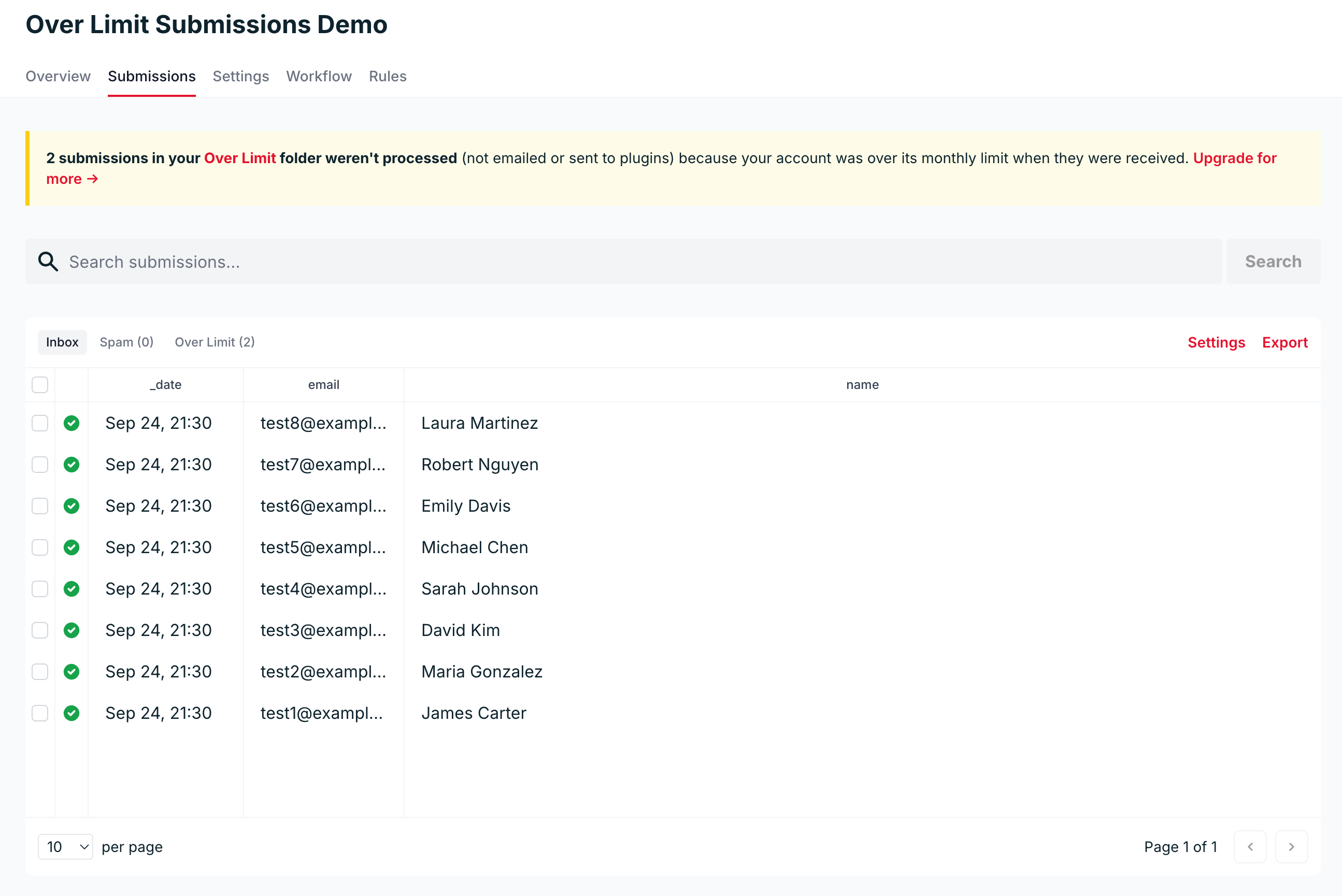
Click the Over Limit folder to see them:
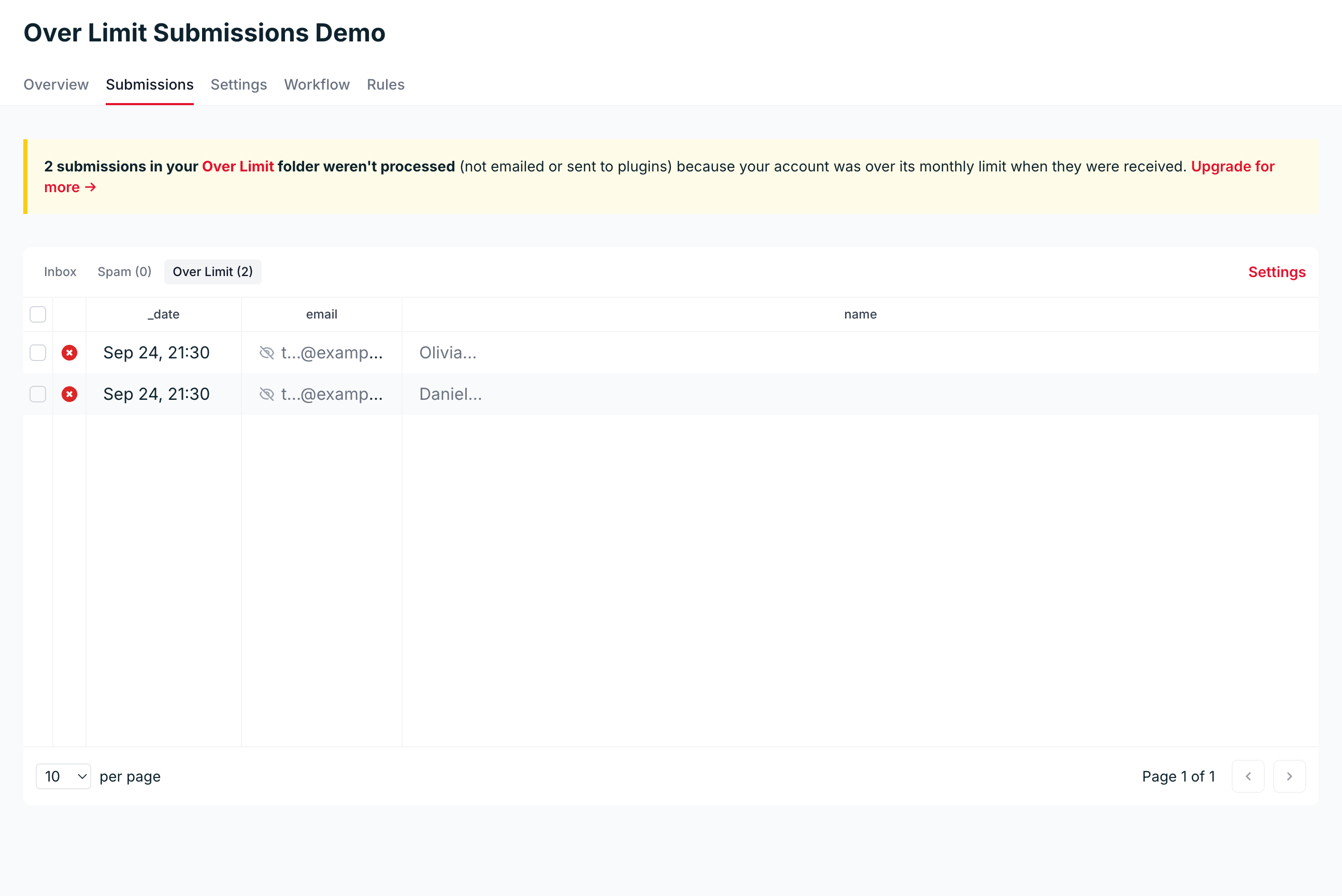
The folder shows previews only:
- Each field shows its first few characters
- Email addresses show their first letter and domain
- File uploads stay hidden
Search and export don’t work here, so you’ll need to reprocess a submission into your Inbox to read or export it.
Reprocessing submissions
Reprocessing treats a submission as if it had just arrived. It counts against the current month’s limit, Formspree sends the notification emails, your plugins run, and the submission moves to your Inbox.
Here’s how to do it:
- Make room in your monthly limit. Upgrade your plan on the plans page if you haven’t already.
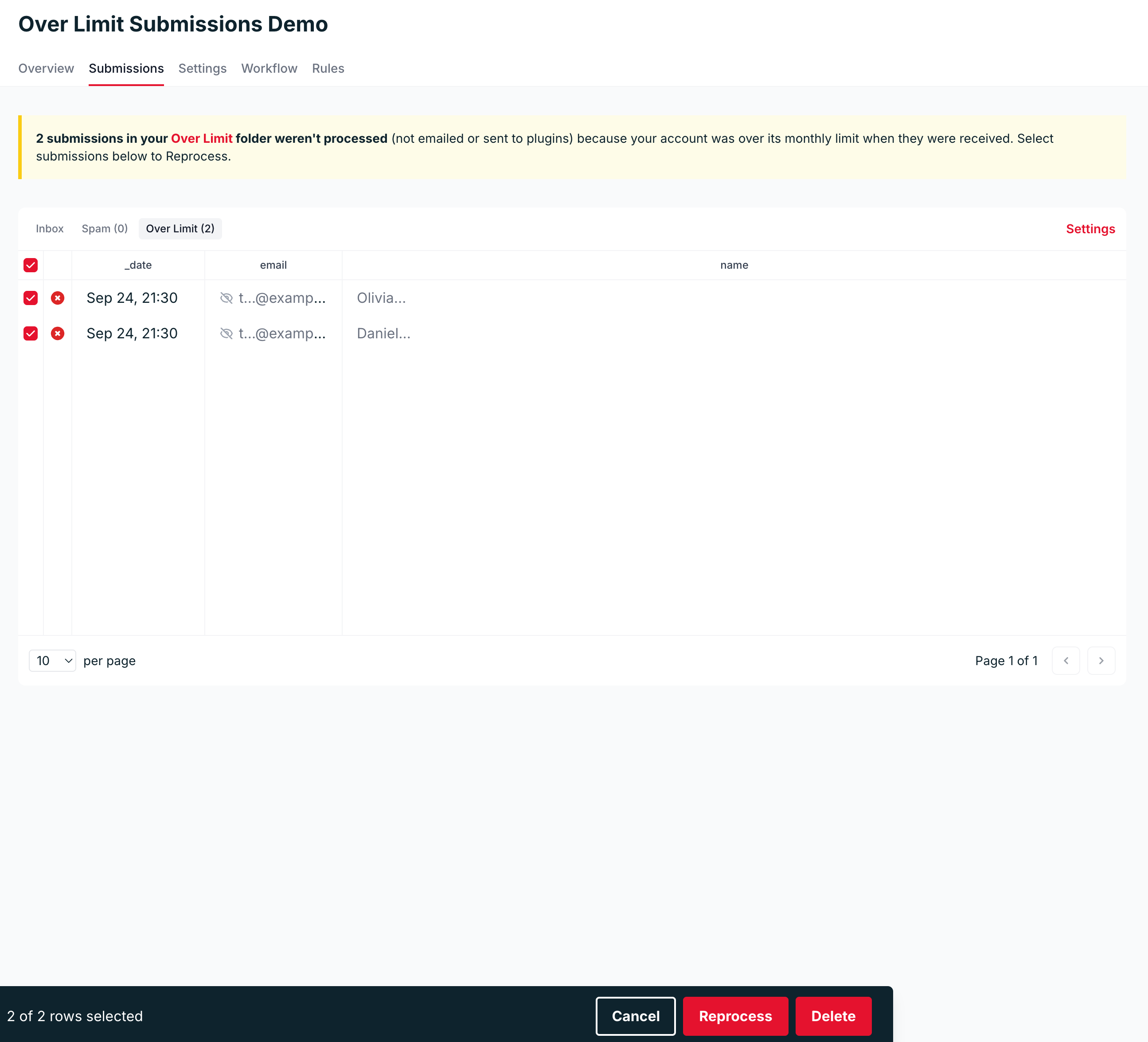
- In the Over Limit folder, select the submissions you want to reprocess. To take everything on the current page of the folder, tick the checkbox in the table header instead of individual rows.
- Click Reprocess.
Reprocessing is started in the background:
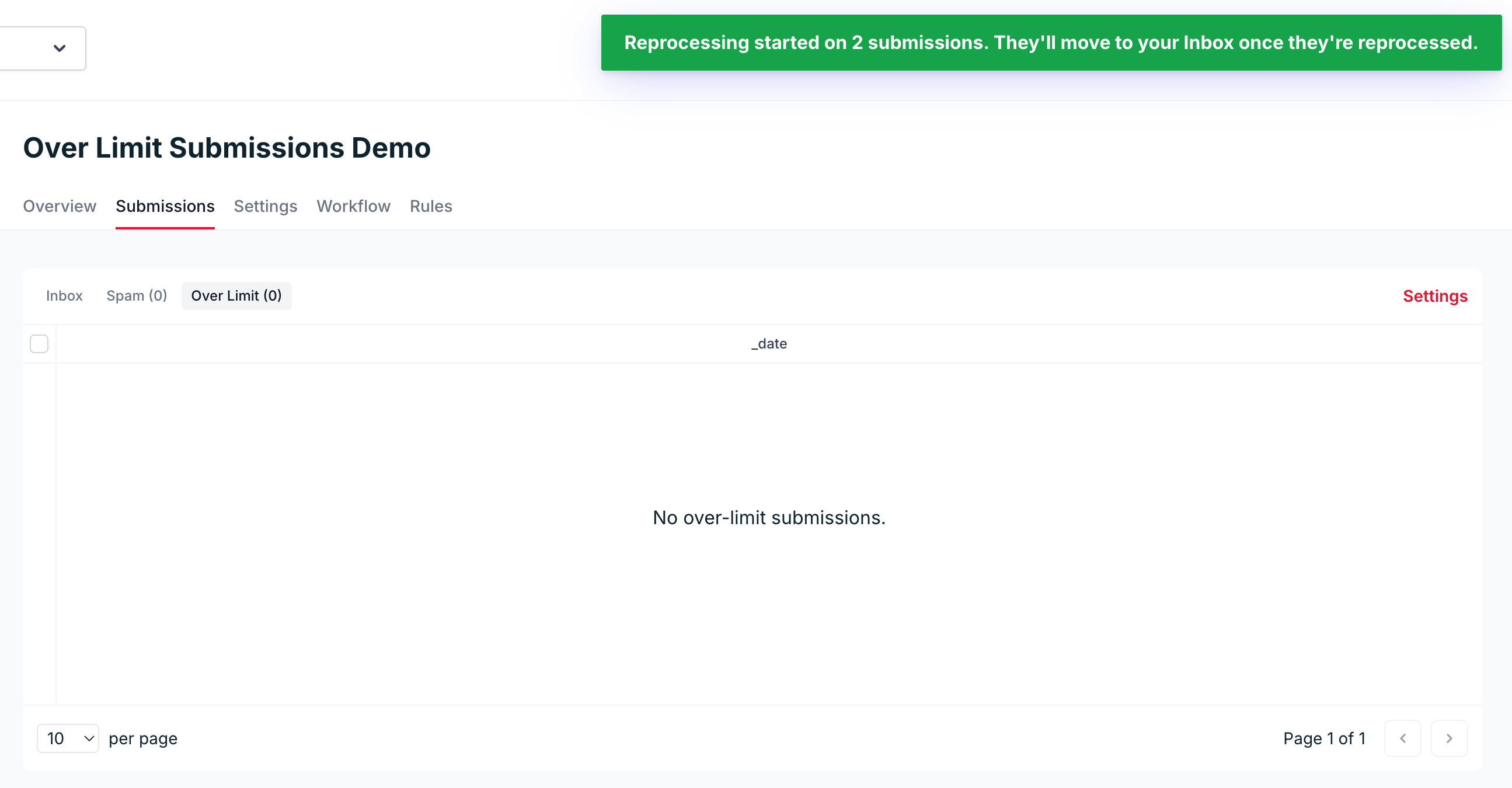
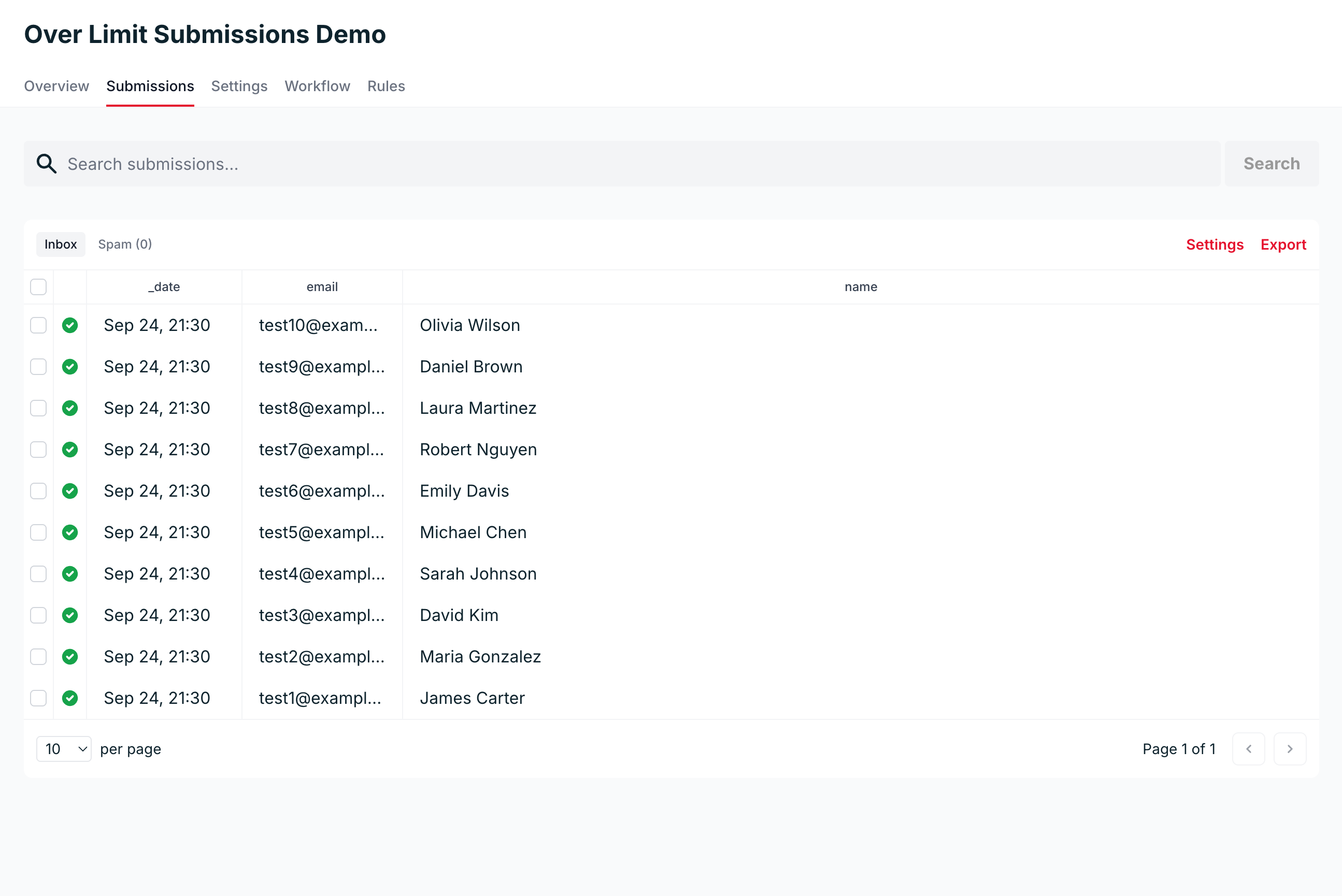
The submissions leave the Over Limit folder and appear in your Inbox as Formspree processes them, usually within a few seconds. Once the folder empties, it disappears from the Submissions tab until new over-limit submissions arrive:
When there isn’t enough room
Each reprocessed submission uses one submission from your monthly limit. If you select more than you have left, Formspree reprocesses nothing and opens a dialog telling you how many you have left and when your limit resets.
Select fewer submissions, or use Upgrade to raise your limit.
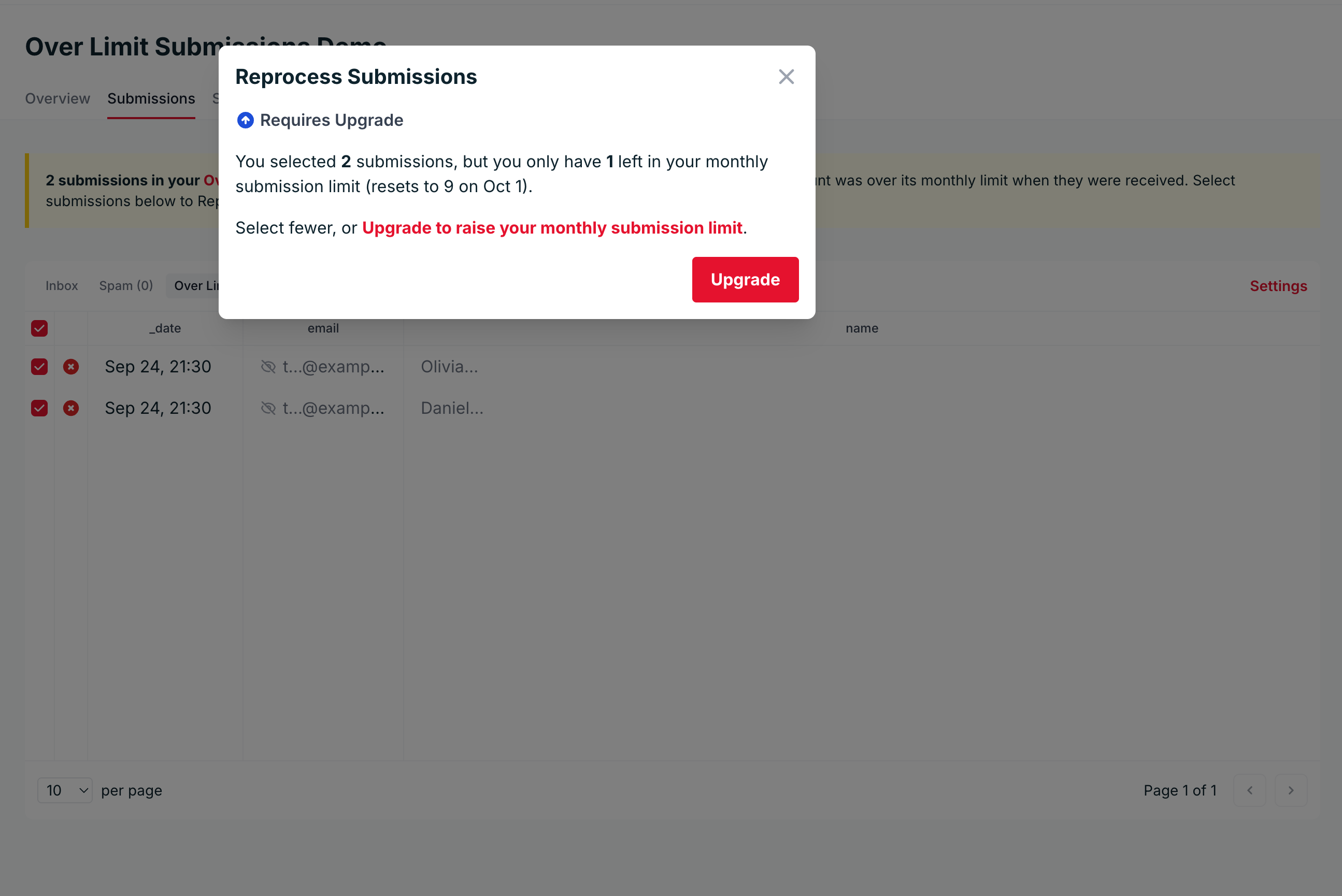
New submissions can arrive between loading the page and clicking Reprocess, which leaves less room than the page showed. Formspree then reprocesses only the submissions that still fit and leaves the rest in the folder.
Good to know
- Submissions received over the limit count towards your monthly limit only once you reprocess them.
- Deleting an over-limit submission is permanent, and it never counts towards your monthly limit.
- Over-limit submissions can’t be marked as spam. Reprocess or delete them instead.
- Over-limit submissions follow the same retention rules as the rest of your submissions.
- The submissions API returns over-limit submissions only once you reprocess them.