Create cards in Trello
Updated July 14, 2023 ·
pluginsformspree-clitrello
Adding the Trello action in the formspree.json file has the same effect as adding the Trello plugin in the Formspree dashboard. If you want to know more about Trello and Formspree, access our help article.
Get your credentials
Visit the Trello Developer page to create an API Key and a Server Token. Store your Key and click on Token to create a Server Token.
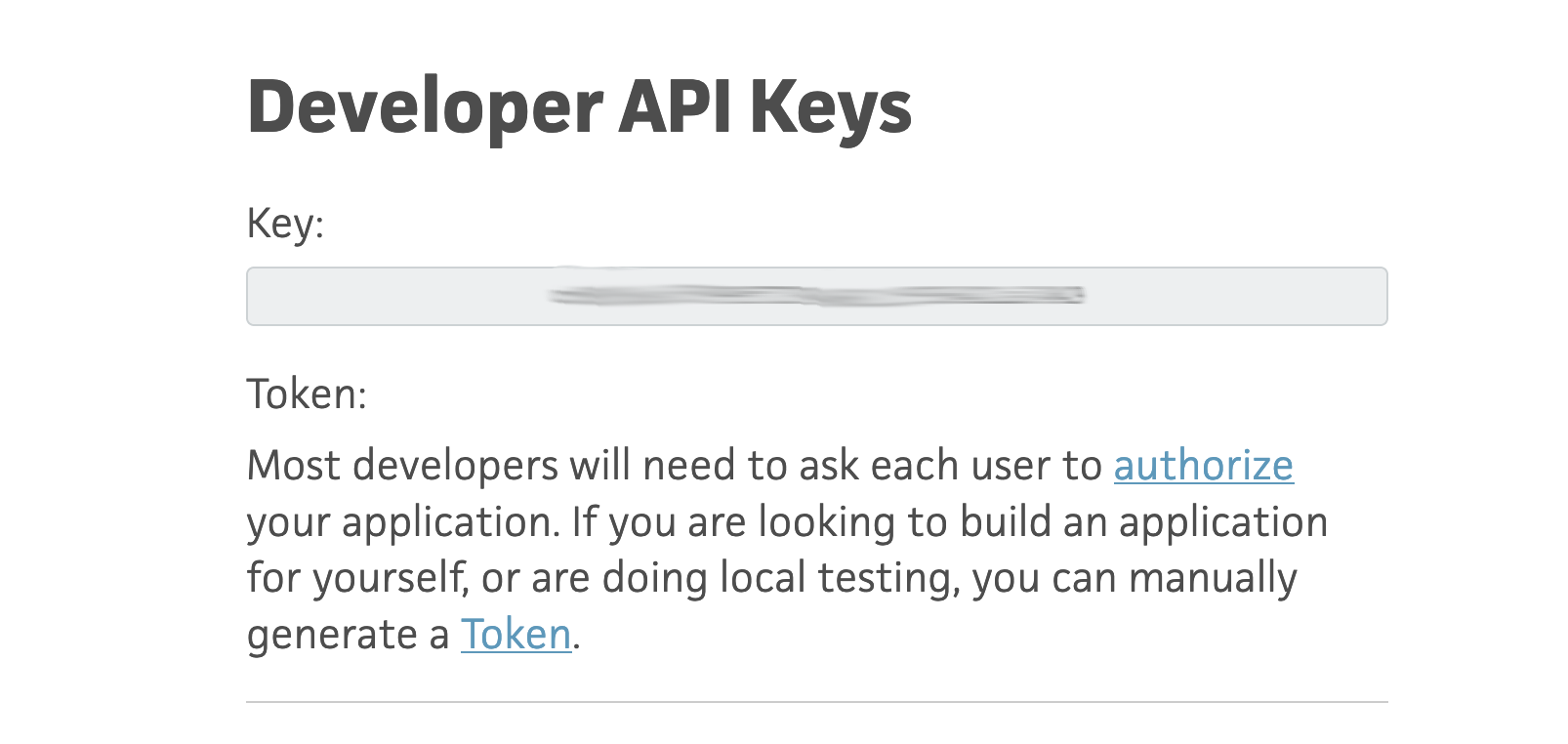
You will be redirected to an authorization page. Accept the terms and you will receive a Server Token.
formspree.json configuration
| Key | Type | Description |
|---|---|---|
app | String | Must be trello |
type | String | Must be createCard |
apiKey | String | The API Key that you have copied in Get your credentials step |
serverToken | String | The ServerToken that you have generated in Get your credentials step |
boardName | String | The Trello board name that you want to create cards. Only open/active boards are available |
listName | String | The Trello list name that you want to create cards. Only open/active lists are available |
Example
{
  "forms": {
    "sales-funnel": {
      "name": "Sales Funnel",
      "actions": [
        {
          "app": "trello",
          "type": "createCard",
          "apiKey": "$TRELLO_API_KEY",
          "serverToken": "$TRELLO_SERVER_TOKEN",
          "boardName": "Sales",
          "listName": "leads"
        }
      ]
    }
  }
}
Validation rules
No validation rules are implicitly configured.