Send submissions to Airtable
Updated July 14, 2023 ·
goldplatinumpluginsairtableformspree-cli
Adding the Airtable action in the formspree.json file has the same effect as adding the AIrtable plugin in the Formspree dashboard. If you want to know more about Airtable and Formspree, access our help article.
Get your credentials
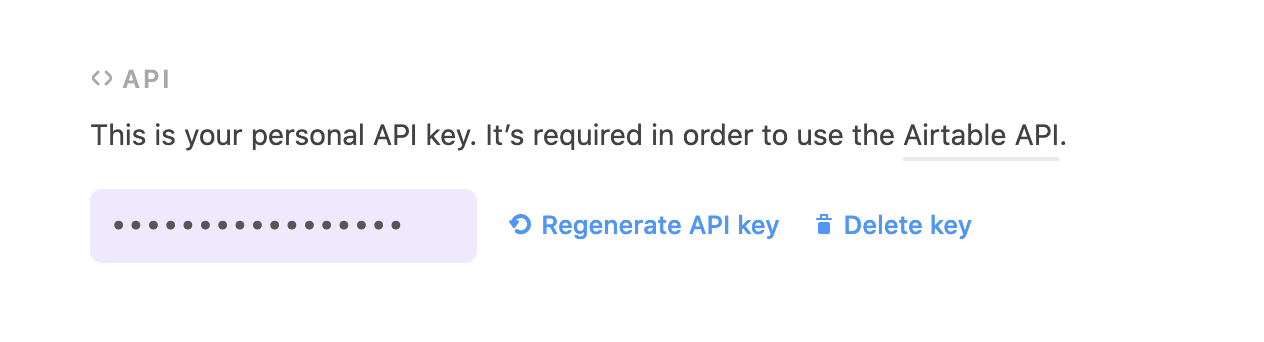
To use the Airtable plugin we need to get the API Key for your Airtable account. Go to https://airtable.com/account and generate or get your API Key in the API section.
Creating bases and tables
Formspree works with already created bases/tables and defined columns. Please create it before you deploy the Airtable plugin using the CLI. Check the Form Setup section at Formspree Airtable docs.
formspree.json configuration
| Key | Type | Description |
|---|---|---|
app | String | Must be airtable |
type | String | Must be sendToTable |
apiKey | String | The key generated in Get your credentials step |
baseName | String | The Airtable base name where you want to send the submissions. Only bases that you have write permission are available. |
tableName | String | The Airtable table name where you want to send the submissions. |
syncSubmissions | Boolean | Optional. Default: false. If true, send all form submissions once during the first deployment. If you change this value to true, or alter the base or table, the submissions will be resent. |
Example
{
    "forms": {
      "wedding": {
      "name": "Wedding presence confirmations",
      "actions": [
          {
          "app": "airtable",
          "type": "sendToTable",
          "apiKey": "$AIRTABLE_API_KEY",
          "baseName": "Wedding",
          "tableName": "Confirmed guests",
          "syncSubmissions": true
        }
      ]
    }
  }
}
Validation rules
No validation rules are implicitly configured.