Getting your form's "hashid"
Updated August 24, 2026 ·
apigoldplatinum
Formspree uses an alphabetical shortcode that we call a “hash id” to identify forms in the API URLs. There are two places to find it in the dashboard.
From the Integration tab
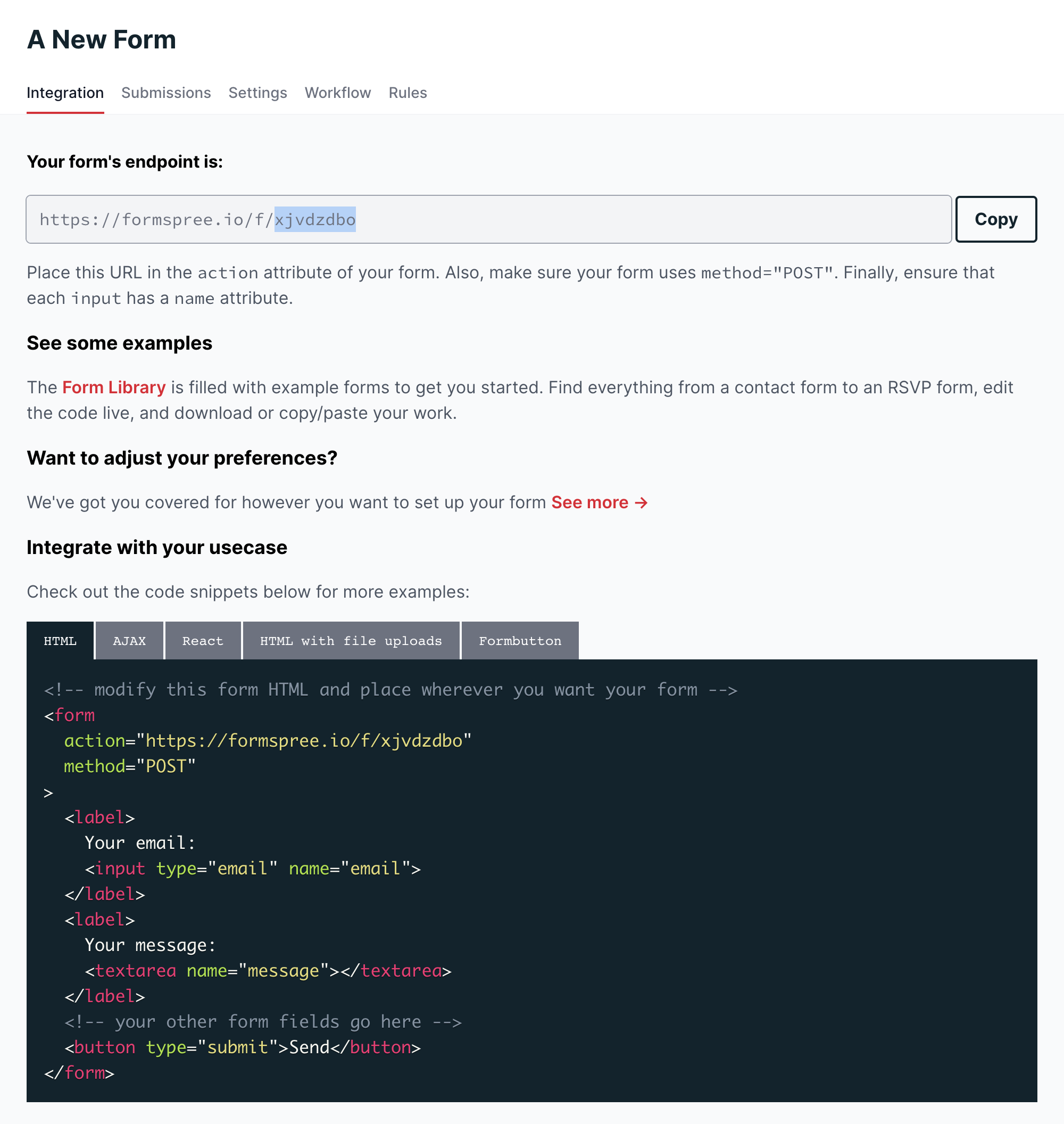
Once you’ve created the form, the hashid appears at the top of the Integration tab under “Your form’s endpoint is”:
From the Overview tab
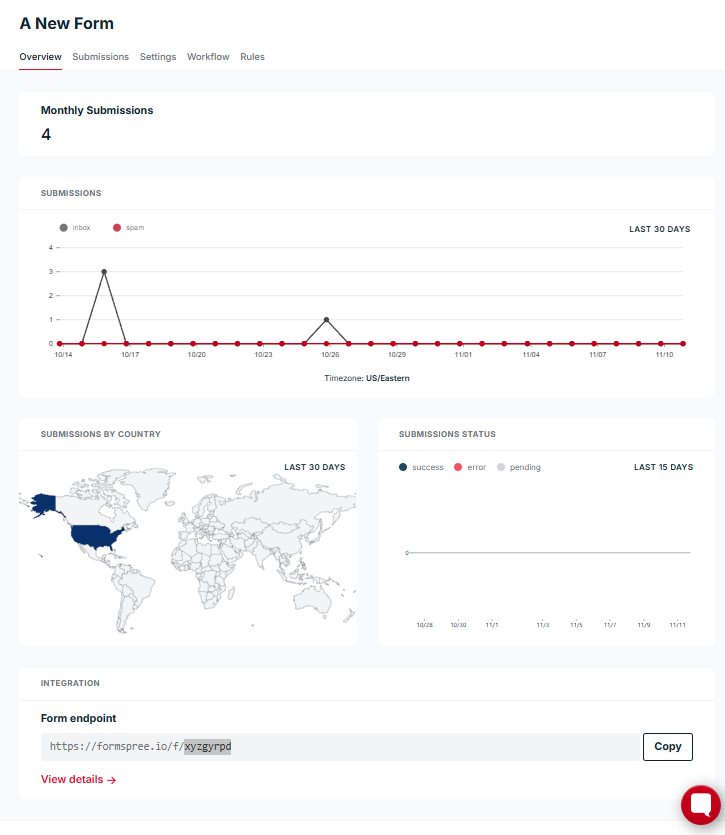
After your form has received its first submission, the endpoint URL is also shown at the bottom of the Overview tab under “Form endpoint”: