Changing a Projects Timezone
Updated November 18, 2025
New projects are create with the UTC timezone. To change this log into the dashboard and go to your forms.
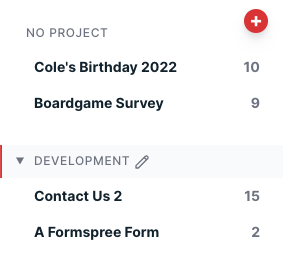
Scroll to the project you wish to edit in the sidebar and click the project name. (On mobile, you can scroll to the project name and click “settings”)
You will be presented with a screen like the one below. There you can change the Timezone and click Save to confirm the changes.
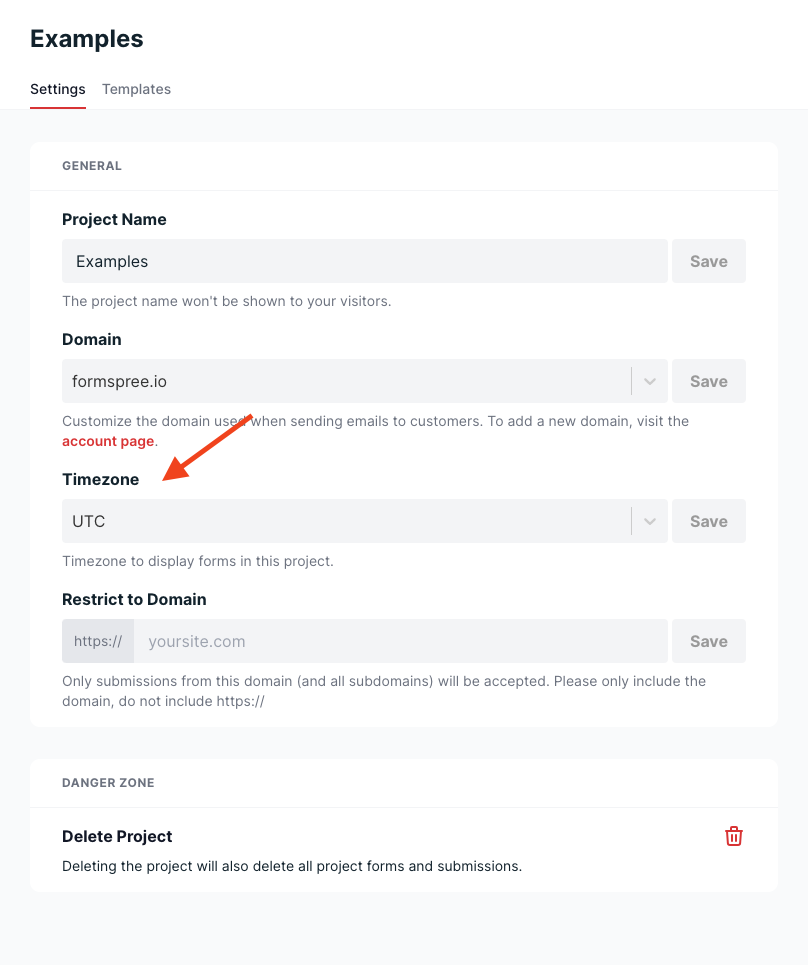
All forms contained in a project will use the same Timezone.