Couldn't verify email
Updated November 12, 2024
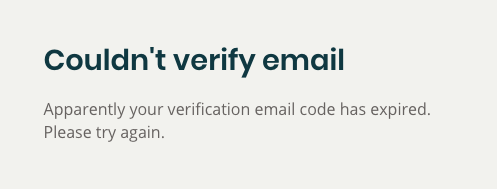
Email verification links expire after a few days. If you clicked on a verification email link and got the “Couldn’t verify email” error page, you need to re-send the verification email:
To resend the verification email, go to the Account tab while logged in scroll down to the “LINKED EMAILS” section. Unverified emails will have a yellow “PENDING” status. Click the circle-arrow icon to resend a verification to that email address:

Then go to your email client and find the verification email, and click the link to verify your email address.