Protecting your Forms with Cloudflare Turnstile
Cloudflare Turnstile is a modern, privacy-focused alternative to CAPTCHAs. It provides frictionless bot detection without user challenges, improving both accessibility and form security.
Formspree supports Turnstile out of the box — just configure your keys and enable CAPTCHA in your form settings.
Step 1: Create a Turnstile Site
Start by visiting the Cloudflare Turnstile dashboard.
Click Add widget to create a new Turnstile site, then:
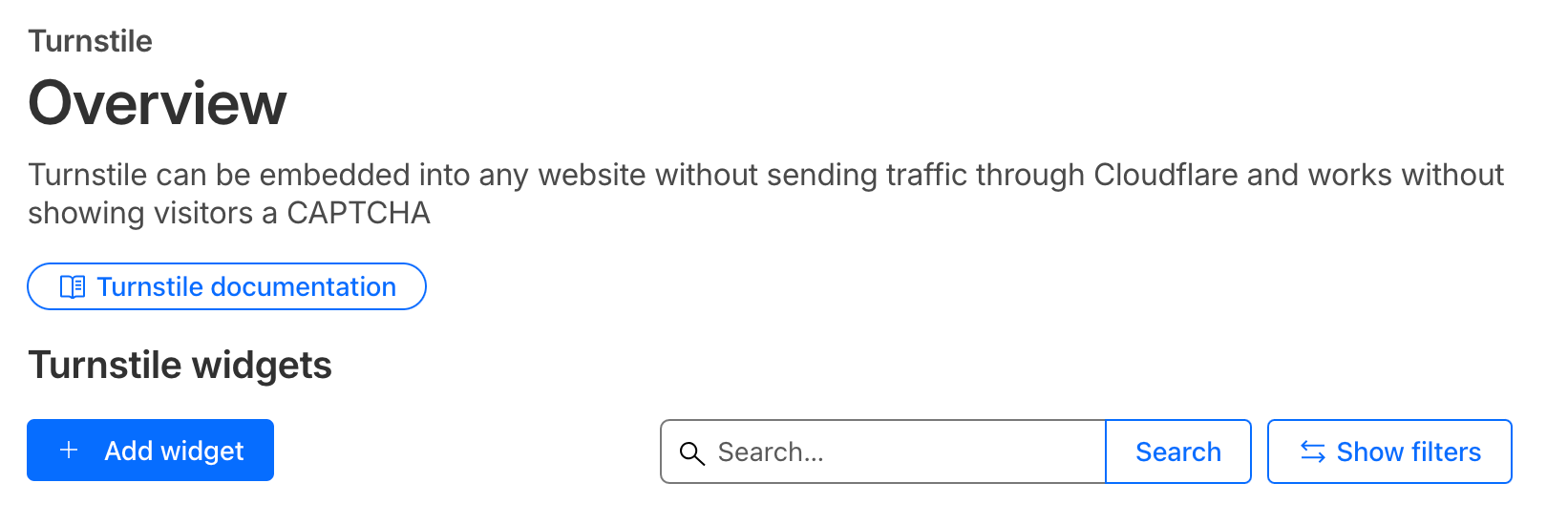
- Enter a name for your site.
- Add your domain (e.g.,
example.com) under Allowed Domains. Use localhost for development purposes. - Choose the widget mode
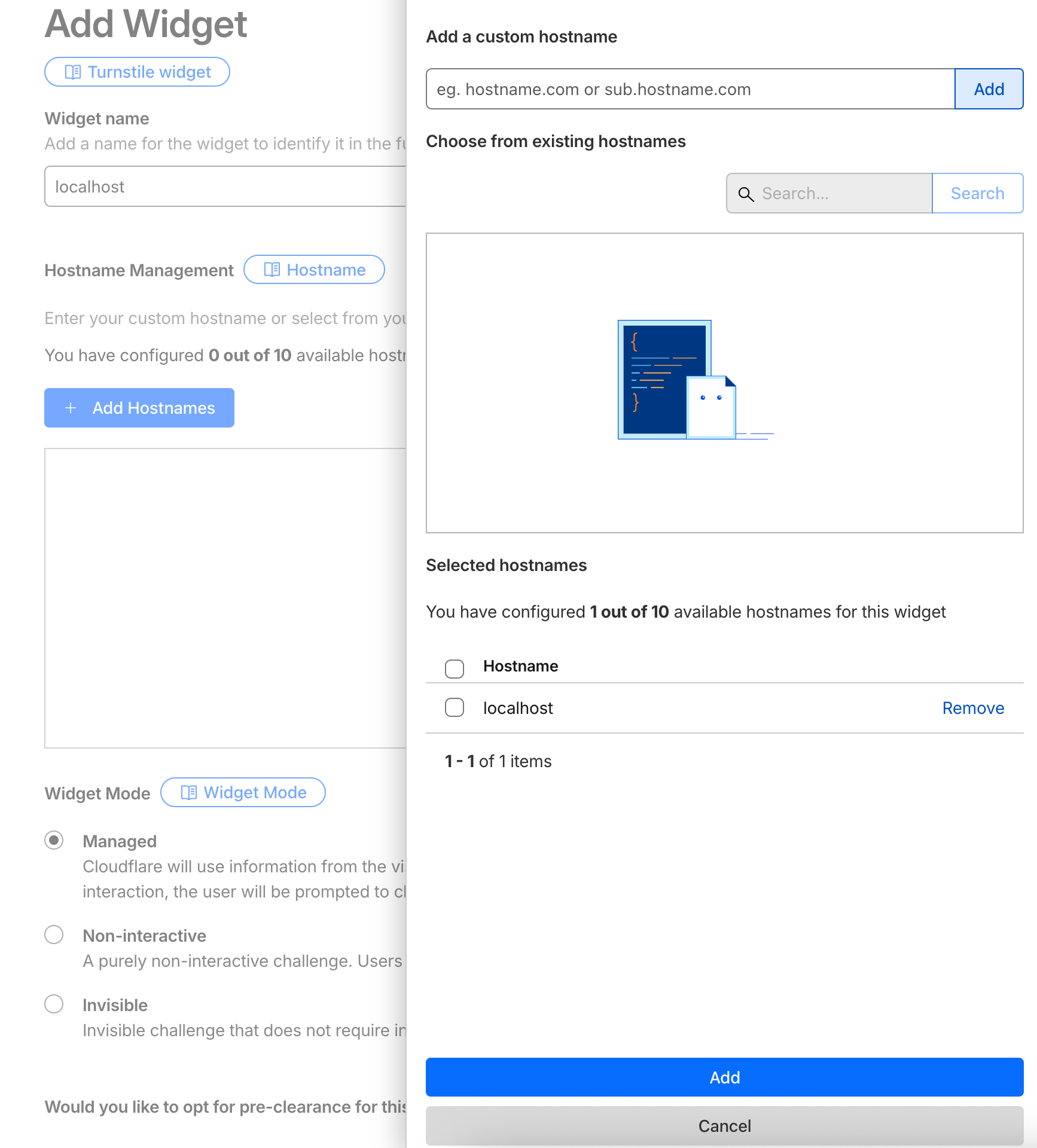
Save the configuration. Once created, you’ll see your new Widget keys
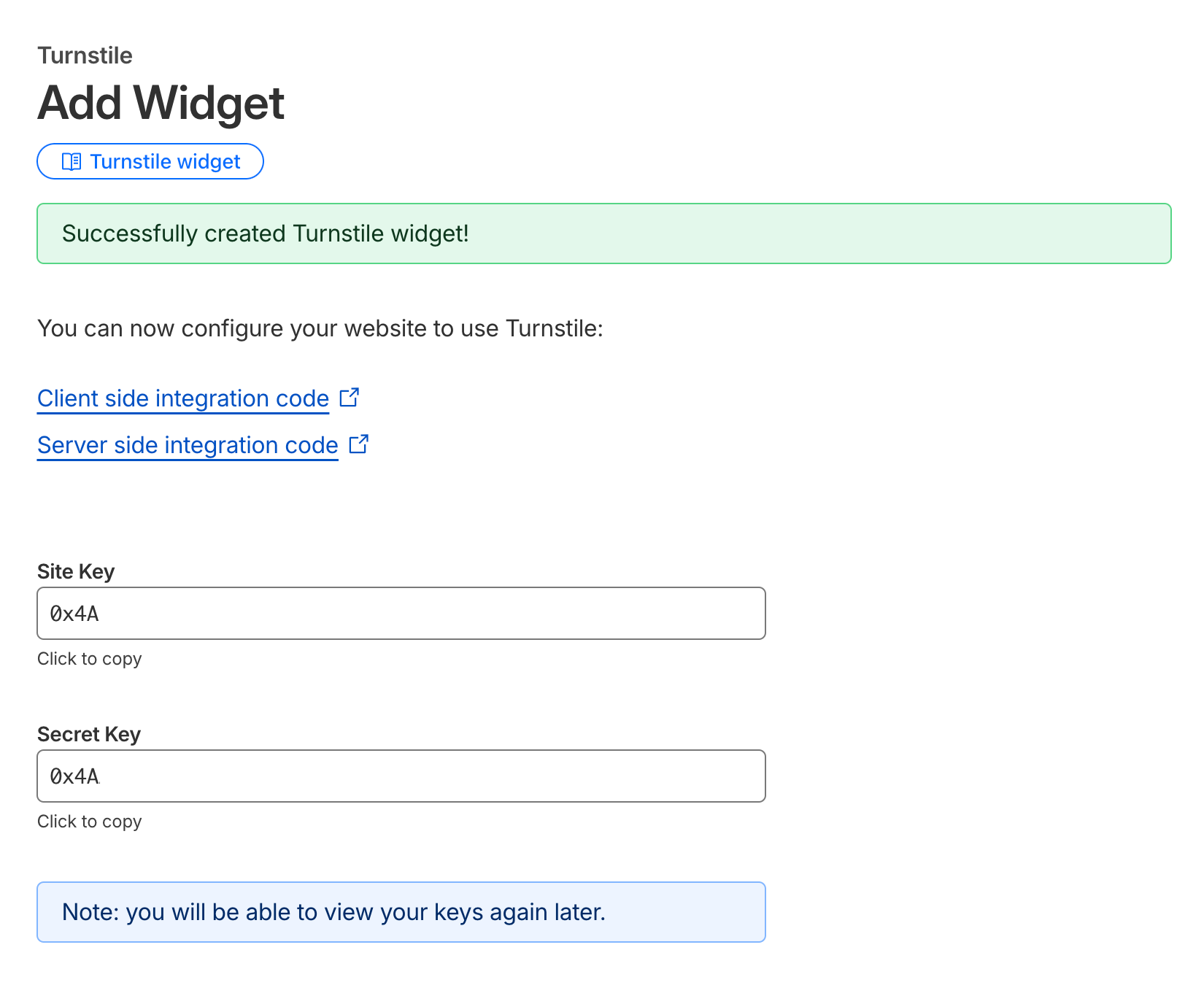
Copy this Site Key and Secret Key — you’ll use it in your HTML form and Formspree configuration.
Step 2: Configure CAPTCHA in Formspree
Go to your form’s settings page in Formspree Dashboard.
Under the CAPTCHA section, make sure CAPTCHA protection is enabled.
Click Adjust settings, select Cloudflare Turnstile, and paste your Secret Key in the provided field.
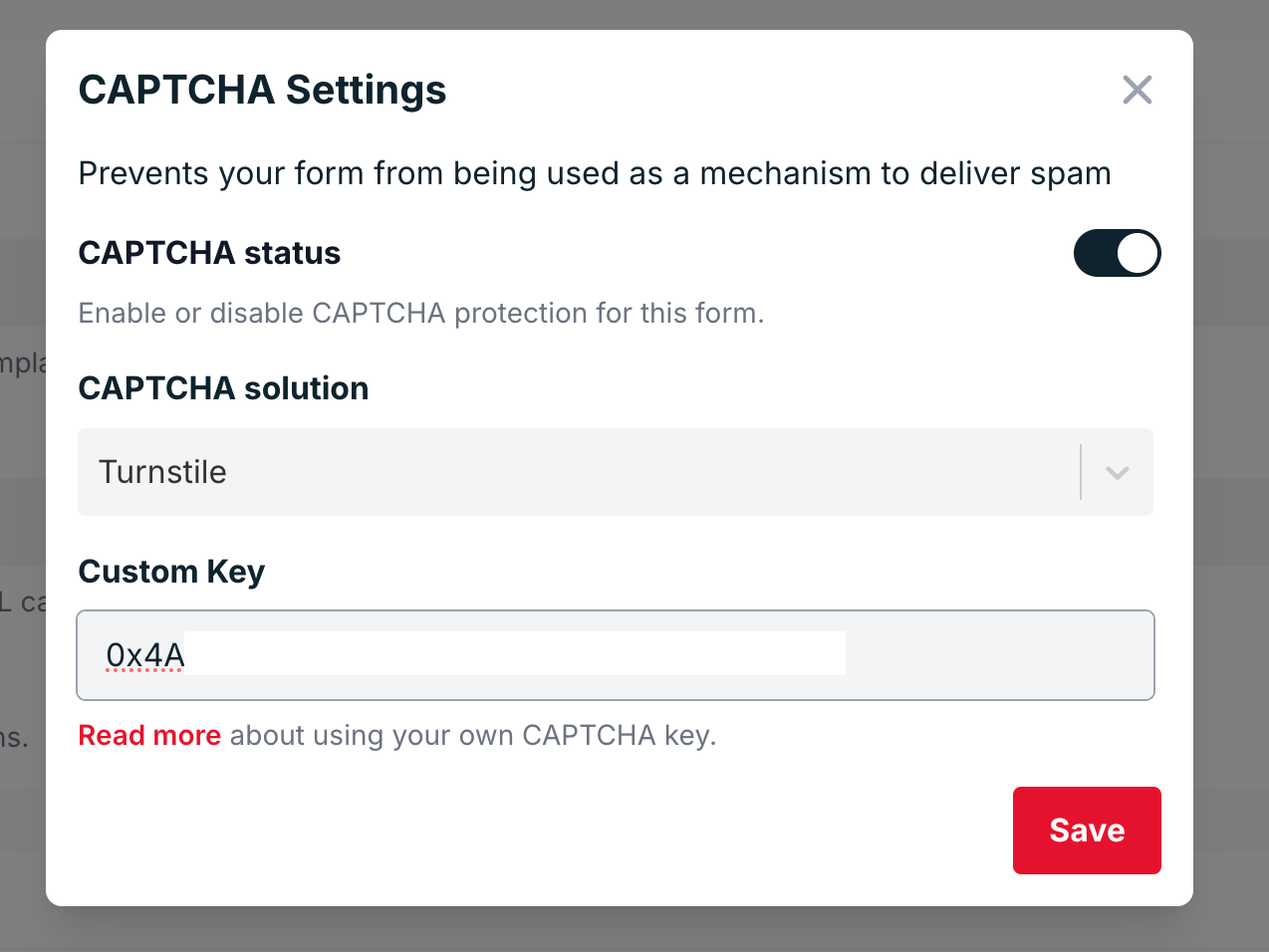
Save your changes.
Step 3: Add Turnstile to Your Form HTML
Now it’s time to add Turnstile to your form. Include the Turnstile script and your Site Key in your HTML code.
Here’s a basic example:
<html>
  <head>
    <title>Turnstile Demo</title>
    <script src="https://challenges.cloudflare.com/turnstile/v0/api.js" async defer></script>
  </head>
  <body>
    <form action="https://formspree.io/f/{your-form-id}" method="POST">
      <input type="email" name="email" placeholder="Email" required />
      <div class="cf-turnstile" data-sitekey="{your-site-key}"></div>
      <br />
      <input type="submit" value="Submit" />
    </form>
  </body>
</html>
When a user submits the form, the Turnstile widget automatically generates a token (cf-turnstile-response) that is verified by Formspree using your Secret Key.
Using AJAX (Optional)
If you’re submitting your form via AJAX, you can include the Turnstile token manually in your request.
Below is an example using Vanilla JS:
<!DOCTYPE html>
<html>
  <head>
    <title>Turnstile AJAX Demo</title>
    <!-- Turnstile script -->
    <script src="https://challenges.cloudflare.com/turnstile/v0/api.js" async defer></script>
  </head>
  <body>
    <form id="form" method="POST" action="https://formspree.io/f/<form-hashid>">
      <input type="email" name="email" placeholder="email@example.com" required />

      <!-- Turnstile widget (automatically adds hidden cf-turnstile-response input) -->
      <div class="cf-turnstile" data-sitekey="{site-key}"></div>

      <br />
      <button type="submit">Submit</button>
    </form>

    <script>
      const form = document.getElementById("form");

      form.addEventListener("submit", function (event) {
        event.preventDefault();

        // Grab all form fields, including the hidden cf-turnstile-response
        const data = new FormData(form);

        fetch(form.action, {
          method: form.method,
          body: data,
          headers: {
            "Accept": "application/json"
          }
        })
          .then(function (response) {
            return response.json();
          })
          .then(function (data) {
            console.log("Formspree response:", data);
          })
          .catch(function (error) {
            console.error("Error:", error);
          });
      });
    </script>
  </body>
</html>
Or using Turnstile API
<!DOCTYPE html>
<html lang="en">
<head>
  <meta charset="UTF-8" />
  <script
    src="https://challenges.cloudflare.com/turnstile/v0/api.js?render=explicit"
    defer
  ></script>
</head>
<body>
  <form id="contact-form">
    <input type="email" name="email" placeholder="Email" required />
    <div id="turnstile-container"></div>
    <button type="submit">Send</button>
  </form>

  <script>
    let widgetId = null;

    // Render widget when the page finishes loading
    window.onload = function () {
      if (!window.turnstile) {
        console.error("Turnstile did not load.");
        return;
      }

      widgetId = window.turnstile.render("#turnstile-container", {
        sitekey: "{your-site-key}",
        callback: function (token) {
          console.log("Turnstile success:", token);
        }
      });
    };

    // AJAX submit
    document.getElementById("contact-form").addEventListener("submit", function (event) {
      event.preventDefault();
      const form = this;
      const formData = new FormData(form);

      // Ensure we send the token under the standard field name
      // If Turnstile already added a hidden input, this overwrites it.
      formData.set("cf-turnstile-response", token);

      fetch("/submit", {
        method: "POST",
        body: formData
      })
        .then((res) => {
          if (!res.ok) {
            throw new Error("Server error: " + res.status);
          }
          return res.text();
        })
        .then((text) => {
          alert("Server replied: " + text);
          // Reset for next submission
          window.turnstile.reset(widgetId);
          form.reset();
        })
        .catch((err) => {
          console.error(err);
          alert("Request failed: " + err.message);
        });
    });
  </script>
</body>
</html>